Cheap WiFi Installation vs Professional Network Design
Compare Initial Upfront Savings Against Long-Term Reliability, Security & Speed Across Dubai & the UAE
What Should You Choose for Your Property?
When shopping for WiFi installation in Dubai, it can be tempting to choose the lowest price quotation. A low-cost setup may seem like the fastest way to get your internet working quickly. However, the cheapest installation is rarely the most cost-effective solution over time.
For a compact studio apartment with basic browsing needs, a single router can be sufficient. However, larger villas, corporate offices, warehouses, clinics, retail shops, and commercial facilities require much more than a router plugged into a wall. Professional network design evaluates real-world radio frequency coverage, user capacity, access point locations, structured cabling, cybersecurity, and future scalability before mounting any equipment.
At WiFi Expert Team, we are a trusted network systems and wireless engineering provider across the UAE. We deliver an honest technical audit of your floor plan so you avoid paying twice for network redesigns, keeping your hardware deployment and maintenance cost also affordable.
Need an Honest Assessment of Your WiFi Quotations?
Speak directly with our senior network engineer on WhatsApp for transparent advice before making a commitment.
WhatsApp Us NowCheap WiFi Installation vs Professional Network Design
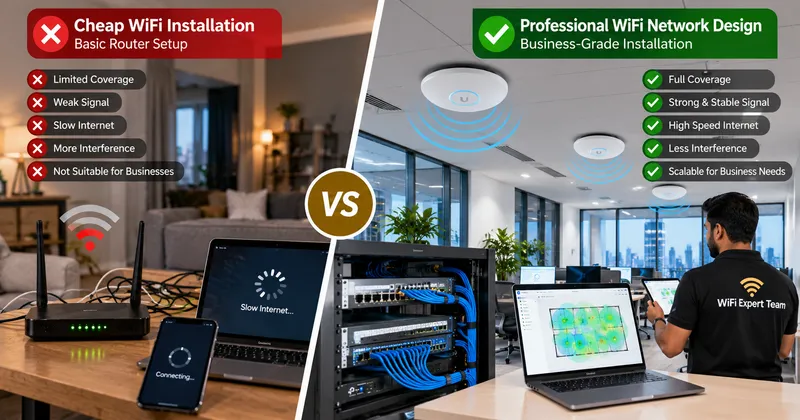
These represent two fundamentally different levels of engineering service. Review how they compare in everyday operation:
| Evaluation Area | Cheap WiFi Installation | Professional Network Design |
|---|---|---|
| Initial Upfront Cost | Low initial purchase price | Engineered to match real requirements |
| Site Survey & Planning | Rarely included (Trial-and-error placement) | RF spectrum survey & architectural heatmaps |
| Access Point Placement | Placed wherever convenient near power sockets | Calculated for zero dead zones & clean roaming |
| Cabling Infrastructure | Relies on cheap mesh hops or unshielded cables | Certified Cat6/Cat6A structured Ethernet cabling |
| Concurrent Capacity | Slows down under moderate user density | Built for high device density & traffic shaping |
| Cybersecurity & VLANs | Single shared password; zero network isolation | Isolated Guest WiFi, CCTV, POS & Staff VLANs |
| Total Cost of Ownership | High risk of paying twice to replace gear | Predictable, durable, and highly cost-effective |
Why Cheap WiFi Can Quickly Become Expensive
The primary pitfall of making an IT decision based solely on the lowest quote is having to pay twice. Consider an office in Dubai where a low-cost technician installs two consumer-grade routers without checking channel overlapping or building materials:
The company is eventually forced to pull new cables, scrap the domestic hardware, and hire professional engineers to rebuild the network. The original "bargain" turns into an expensive disruption that costs more than doing it right from day one.
Moving into a New Office or Villa in Dubai?
Get your wireless network designed properly before finishing interiors. High performance, durable cabling, and our cost also affordable.
Speak to an Engineer on WhatsApp8 Pillars of Professional Network Design
A professional network begins with planning, not equipment shopping. Here is how our certified engineers engineer robust connectivity:
1. Site Survey & Layout Analysis
We evaluate floor area, concrete density, ceiling height, and user distribution to select equipment suited to physical environmental obstacles.
2. Strategic AP Placement
Access points are installed where users actually gather—such as workstations and conference rooms—rather than arbitrarily placed near power points.
3. Interference Management
More access points do not always mean better WiFi. Excessive APs cause co-channel interference. We configure the right number of units operating on clean channels.
4. Coverage + Capacity Planning
Signal bars alone do not guarantee speed. We plan for high client density, ensuring 40+ people in a boardroom can simultaneously video call without slowdowns.
5. Structured Cat6 Ethernet Backhaul
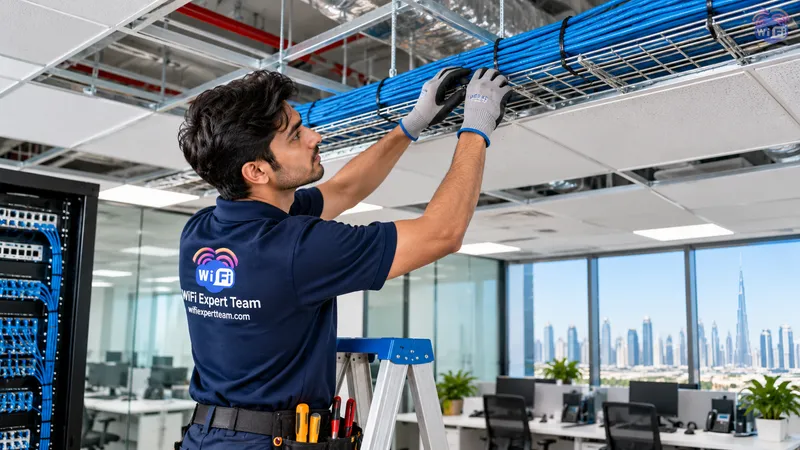
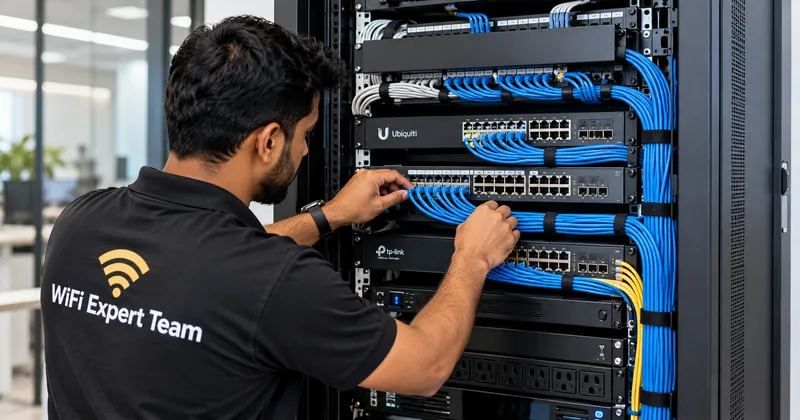
Wireless mesh repeaters cut bandwidth in half across concrete walls. We wire every access point with certified Cat6 cabling connected to a central PoE switch.
6. VLANs & Enterprise Security
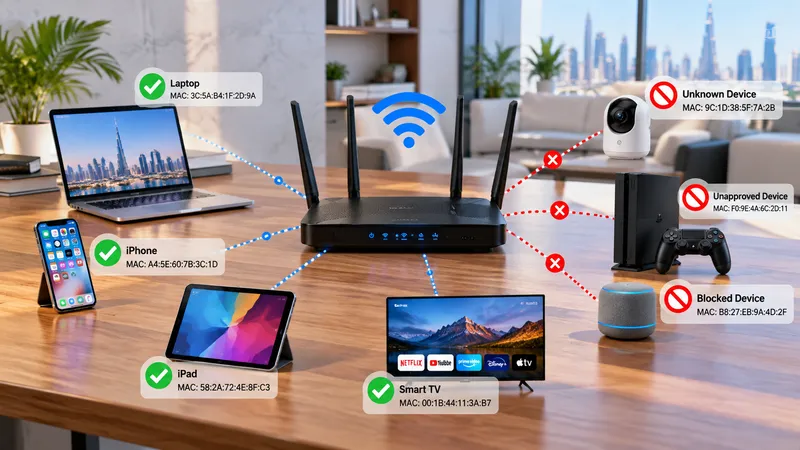
We implement enterprise WPA3 encryption, firewall policies, and VLAN network segmentation to completely separate internal staff, guest WiFi, and CCTV cameras.
7. Dedicated Guest WiFi Portals
Give customers and visitors fast, restricted internet access without ever exposing company files, Point of Sale terminals, or accounting servers.
8. Built-in Scalability
As your team grows from 15 to 50 employees, a professionally planned rack and switch capacity allows adding new access points seamlessly without redesign.
Architecture: Single Router vs Engineered System
Basic Router Setup (Entry-Level)
Suitable only for small 1-bedroom apartments with low device counts and no business-critical connectivity needs.
Professional Network Architecture
Delivers central management, fast roaming, multi-SSID VLAN isolation, and reliable coverage across commercial properties and large villas.
Real Example: 2,500 Sq. Ft. Dubai Office (35 Staff)
A cheap installer might place two domestic routers in the hallway. Result: meeting room video calls freeze, guest visitors log into staff networks, and switches overheat under peak loads. In contrast, an engineered deployment with a central gateway, PoE switch, and 3 ceiling access points running dedicated Staff, Voice, and Guest VLANs provides uninterrupted operations for years.
Avoid Paying Twice for Poor Network Installations
Get an honest, professional quotation from our trusted engineers. We design networks that work right from day one.
WhatsApp: +971 54 343 9767Serving Customers Across the UAE
Looking for certified WiFi installers and networking professionals .near Me? WiFi Expert Team deploys rapid-response field engineers across every emirate:
Dubai Residential & Commercial Areas
Downtown Dubai, Dubai Marina, Business Bay, JLT (Jumeirah Lake Towers), DIFC, Palm Jumeirah, Arabian Ranches, Emirates Hills, Mirdif, Al Khawaneej, Al Barsha, Deira, Bur Dubai, Dubai Hills Estate, DAMAC Hills, JVC, and Dubai Silicon Oasis.
Sharjah Local Areas
Al Majaz, Al Nahda Sharjah, Al Taawun, Al Qasimia, Muwaileh, Al Khan, Al Suyoh, Al Rahmaniya, Industrial Areas, and University City.
Abu Dhabi Local Areas
Al Reem Island, Yas Island, Saadiyat Island, Khalifa City, Al Khalidiyah, Al Bateen, Mohammed Bin Zayed City (MBZ), Al Raha Beach, and Mussafah.
Ajman & Northern Emirates
Ajman Local Areas: Al Nuaimiya, Al Rashidiya, Al Jurf, Al Rawda, Emirates City.
Northern Emirates: Ras Al Khaimah, Fujairah, and Umm Al Quwain.
Industries We Serve
From high-density corporate offices to sprawling logistics facilities and luxury villas, our network architectures power diverse sectors:
Brands We Support
We work with almost all popular router, access point, and Wi-Fi system brands available in the UAE market.
Ready for Professional Network Design?
Schedule a free site survey today. Certified network planning, prompt execution, and cost also affordable.
WhatsApp: +971 54 343 9767Verified Customer Reviews
Real experiences from residential and business clients who trust our network optimization services.
"I had a great experience with WiFi Expert Teams! My router stopped working after a reset, and I was struggling to get it back online. The team was quick to respond, and their technicians were knowledgeable and efficient in diagnosing and fixing the issue. They not only got my router working again but also optimized my WiFi network for better performance. The service was professional, and the turnaround time was impressive. I highly recommend WiFi Expert Teams for anyone facing WiFi or router issues!"
"its very heplful they fix our wifi immediately, good service thanks very much to them."
"Best service ever and so fast really appreciate"
"Excellent service and very professional"
Frequently Asked Questions (FAQs)
1. Is cheap WiFi installation always a bad choice?
No. A basic, low-cost router setup is completely adequate for small 1-bedroom apartments or micro-studios with low device counts. The problems emerge when a basic, single-router approach is forced upon a multi-room office, large villa, or commercial property.
2. Why do cheap installations often end up costing more in the long run?
Cheap installers frequently skip site surveys and structured cabling, placing domestic equipment in arbitrary locations. When video calls drop, meeting rooms lose signal, and systems overheat, businesses must pay a second time for certified rewiring, commercial access points, and complete network rebuilds.
3. Do I need a professional WiFi site survey before installation?
Yes, especially for commercial offices, warehouses, and luxury villas. An RF site survey accurately identifies concrete wall density, neighboring channel overlap, and optimal access point coordinates to prevent dead zones before drilling or pulling cables.
4. Why is structured Cat6 cabling superior to wireless mesh extenders?
Wireless mesh repeaters lose up to 50% of available throughput each time their signal hops across dense concrete partitions. Dedicated Cat6 Ethernet cabling creates a dedicated 1Gbps / 10Gbps wired backbone directly to each PoE access point, providing full internet speed across every room.
5. How does WiFi Expert Team deliver professional quality at an affordable price?
As an honest engineering partner, we never over-engineer or push unnecessary hardware. By calculating exact AP density and utilizing robust hardware ecosystems, we maximize your coverage and stability while keeping project cost also affordable.
Ongoing Support for Every Product We Deliver
Our commitment doesn’t end with installation. We provide reliable ongoing support and maintenance to help keep your network fast, secure, stable, and performing smoothly throughout the year.
Get Your Free WiFi Assessment & Architecture Consultation
Need an honest technical evaluation before signing a network contract? Speak with our trusted engineers today.
Helpful Resources & Guides
Related Topics : Related Network Services
Professional WiFi installation Dubai, cheap vs professional network design, business wireless network setup UAE, commercial WiFi contractor near me, office structured Cat6 cabling, access point heatmapping Dubai, enterprise router setup, guest WiFi captive portal, warehouse wireless coverage, affordable network engineering UAE.